
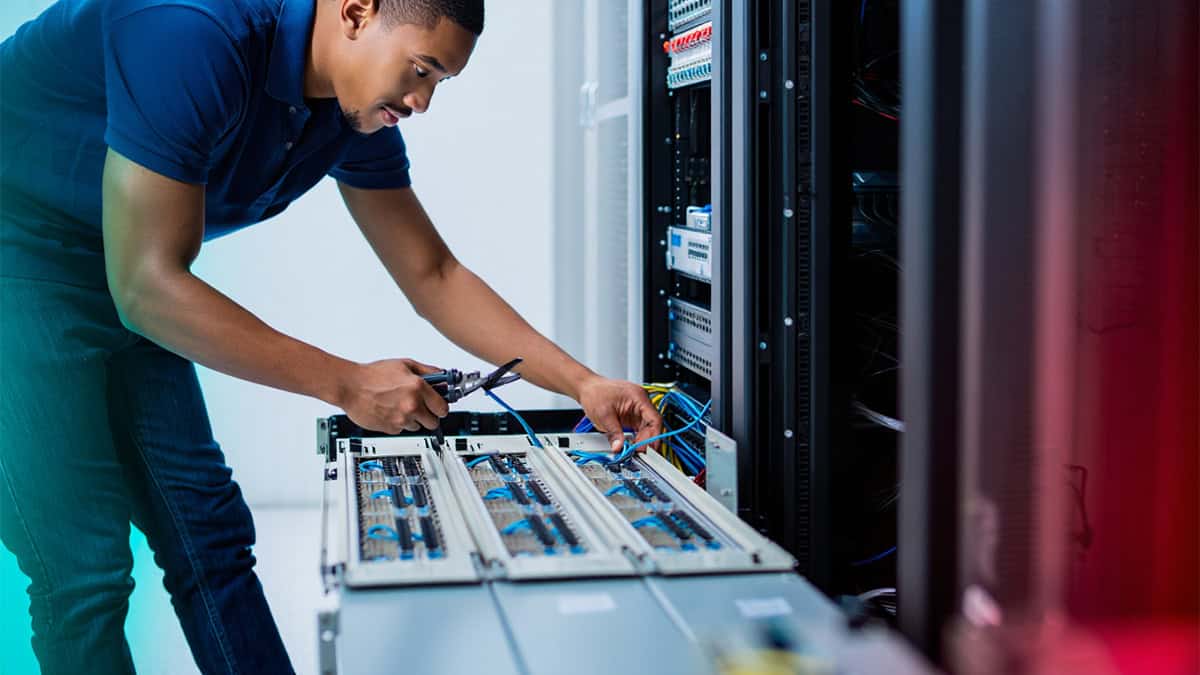
This guide explores best practices businesses should follow to maintain a reliable server infrastructure.
Understanding Server Infrastructure
Server infrastructure includes the hardware, software, networking components, and management tools that support business applications and data storage. These systems typically operate within a larger IT environment that includes networks, cloud services, and security systems.
If you’re exploring how these systems connect together, our guide on what network infrastructure is explains how servers operate as part of a broader technology ecosystem.
Because servers support essential business systems, proper infrastructure management is necessary to ensure uptime, security, and performance.
Best Practice #1: Implement Proactive Server Monitoring
Server monitoring allows IT teams to track system performance, detect abnormalities, and respond quickly to potential issues. Monitoring tools analyze key performance indicators such as CPU usage, memory consumption, disk space, and network activity.
By continuously monitoring server performance, businesses can detect early warning signs of problems before they lead to outages.
Organizations often implement infrastructure monitoring tools to maintain visibility into server health and performance.
Best Practice #2: Keep Systems Updated
Regular updates are essential for both security and performance. Server operating systems, firmware, and software applications should be patched frequently to prevent vulnerabilities.
Outdated systems are one of the most common causes of infrastructure security breaches. Businesses that implement consistent patch management significantly reduce their exposure to cyber threats.
Many organizations rely on managed IT services to maintain updates and ensure servers remain protected.
Best Practice #3: Plan for Scalability
As businesses grow, their technology requirements evolve. Server infrastructure should be designed to scale as new applications, users, and data volumes increase.
Scalable infrastructure often includes virtualization technologies and cloud integrations that allow resources to expand without replacing hardware.
Organizations frequently integrate cloud solutions to increase flexibility and support remote access.
Best Practice #4: Protect Server Infrastructure with Strong Security Controls
Server environments store sensitive business data, making them a common target for cyberattacks. Security protections should include firewalls, access controls, endpoint protection, and intrusion detection systems.
Strong server security works alongside broader cybersecurity services to prevent unauthorized access and protect company data.
Regular security audits can also help identify vulnerabilities before attackers exploit them.
Best Practice #5: Implement Backup and Disaster Recovery Strategies
No server environment is completely immune to failure. Hardware malfunctions, ransomware attacks, or natural disasters can cause unexpected disruptions.
Businesses should implement reliable backup systems that allow them to restore critical information quickly. Proper backup strategies are a key part of comprehensive data backup and recovery planning.
Disaster recovery planning ensures operations can resume quickly after an incident.
Best Practice #6: Maintain Reliable Physical Infrastructure
Servers depend on reliable network connectivity and properly installed infrastructure components. Structured cabling, secure server rooms, and reliable power systems all contribute to stable server performance.
Our article on the importance of structured cabling in commercial spaces explains why the physical infrastructure layer plays a major role in overall system reliability.
Businesses that invest in high-quality installations often experience fewer network disruptions.
Best Practice #7: Monitor Infrastructure Performance Trends
Tracking historical performance data allows organizations to anticipate capacity limitations before they cause system slowdowns.
Monitoring trends such as increasing storage usage or rising network traffic helps IT teams plan infrastructure upgrades.
Companies often use infrastructure performance monitoring tools to analyze system trends and maintain long-term stability.
Best Practice #8: Integrate Servers With the Overall IT Infrastructure Strategy
Servers should never be managed in isolation. They operate as part of a larger technology ecosystem that includes networking systems, communication platforms, and cloud services.
Organizations that take a holistic approach often rely on professional infrastructure management services to coordinate all aspects of their technology environment.
This ensures servers remain properly integrated with networks, security systems, and business applications.
Signs Your Server Infrastructure Needs Improvement
Many businesses operate aging server systems longer than recommended, increasing the risk of downtime and security vulnerabilities.
Common warning signs include:
- Frequent system crashes or slow performance
- Limited storage capacity
- Difficulty supporting modern applications
- Security vulnerabilities from outdated software
- Inability to scale infrastructure as the business grows
If these issues sound familiar, our article on signs your business infrastructure needs an upgrade explains what organizations should watch for.
Maintaining Reliable Business Servers
Server infrastructure plays a central role in keeping modern organizations running smoothly. Without proactive monitoring, maintenance, and security planning, server failures can disrupt productivity and expose businesses to unnecessary risk.
By implementing best practices for monitoring, updates, scalability, and security, businesses can maintain stable server environments that support growth and innovation.
Organizations that rely on complex systems often work with specialists who provide IT infrastructure management services to ensure their server environments remain secure and reliable.
Talk With an Infrastructure Specialist
If your organization is experiencing server performance issues, infrastructure limitations, or security concerns, CNiC Solutions can help evaluate and improve your technology environment.